Jiwaji University result 2026: Jiwaji University has announced results for a wide range of undergraduate, postgraduate, engineering, pharmacy and diploma examinations.
The results have been released in phases, with several scorecards issued on August 5, 6 and 7, 2026.
Candidates who appeared for the respective examinations can now check their marksheets online using their roll numbers.The latest result announcements cover courses such as MPEd, M.Com, M.Sc, MA, B.Pharm, BE, B.Sc and other programmes.
Students are advised to verify the information printed on their marksheets after downloading them and report any discrepancy to the university or concerned department without delay.Jiwaji University has continued to publish results for different examinations conducted during 2026.
Among the latest announcements, the MPEd Fourth Semester (CBCS) June 2026 result was released on August 7.The M.Com Second Semester (NEP) June 2026 result was announced on August 6.
On August 5, the university published results for several fourth-semester examinations, including M.Sc Chemistry, MA English, MA Sanskrit, MA Yoga, M.Sc Physics and M.Sc Zoology.
Results covering ATKT and CBCS examinations were also included in the recent releases.The university has also declared results for various examinations conducted on August 3 and 4.
These include B.Pharm Eighth Semester, BE Computer Science Engineering, BE Electronics Engineering, PG Diploma in Guidance and Counselling and PG Diploma in Museology.
Results for BA (Honours) and B.Sc (Honours) fourth-year NEP examinations in different subjects have also been announced.Jiwaji University result 2026: Steps to download Candidates can follow the steps elucidated here to download the Jiwaji University result 2026 on the official website:Visit the official Jiwaji University website at jiwaji.edu.
Go to the Information Corner section on the homepage.
Click on the Result option.
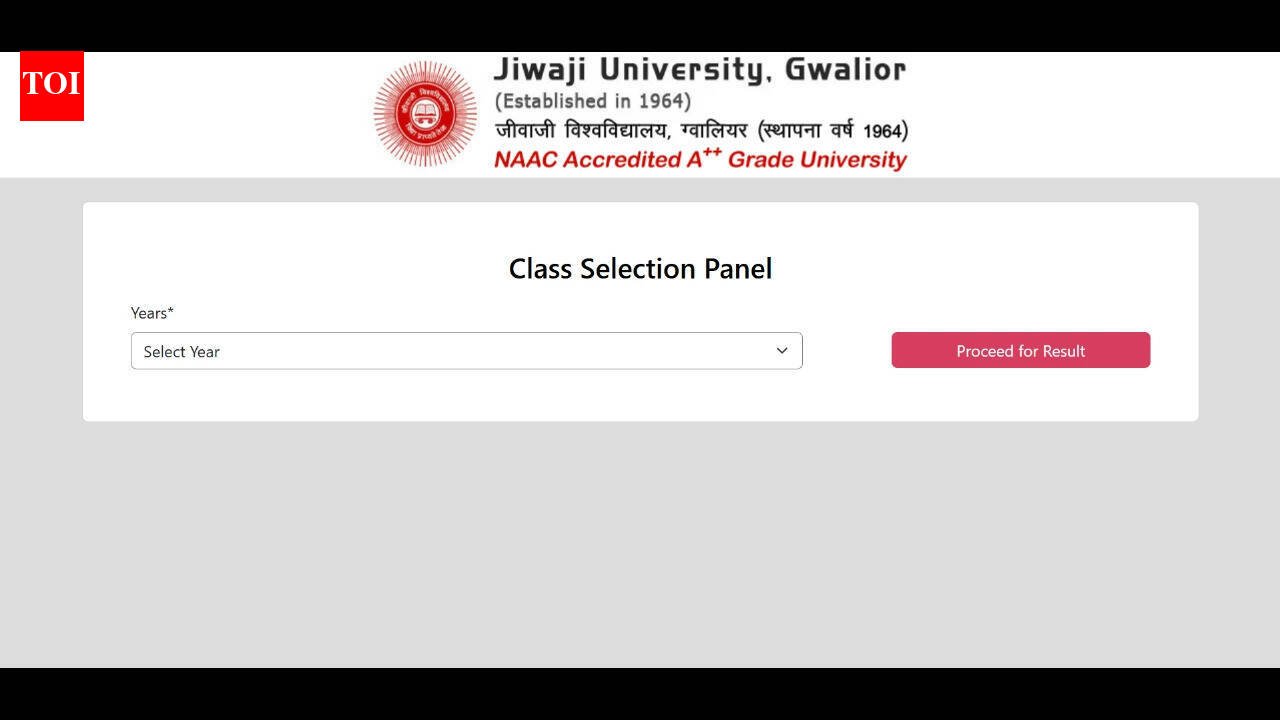
Select the relevant year from the Class Selection Panel.
Click on Proceed for Result.
Search for the relevant course or examination.
Click on View Result against the required examination.
Enter the roll number on the result page.
Click on View Marksheet.
The result will appear on the screen.
Check all details carefully and download the marksheet.
Take a printout for future reference.
Alternatively, candidates can click on the link provided here to download the Jiwaji result 2026.Candidates are advised to stay tuned to the official website to get the complete details of the Jiwaji results.Get the latest Education News and Live updates.
Download the TOI app.